
New PopArt live symbols for AxoTools
PopArt symbols can be dragged from a symbols panel and AxoTools will automatically expand them to fit your choice of axonometric planes in your current document projection. This includes extruded art, art with compound rotations, and with moves along axes.
For example, say you’re building an axonometric village and you want awnings over some of your windows. Rather than build them, or copy and paste them from a previous project, you can store one as a PopArt symbol and drag them into your document as needed.
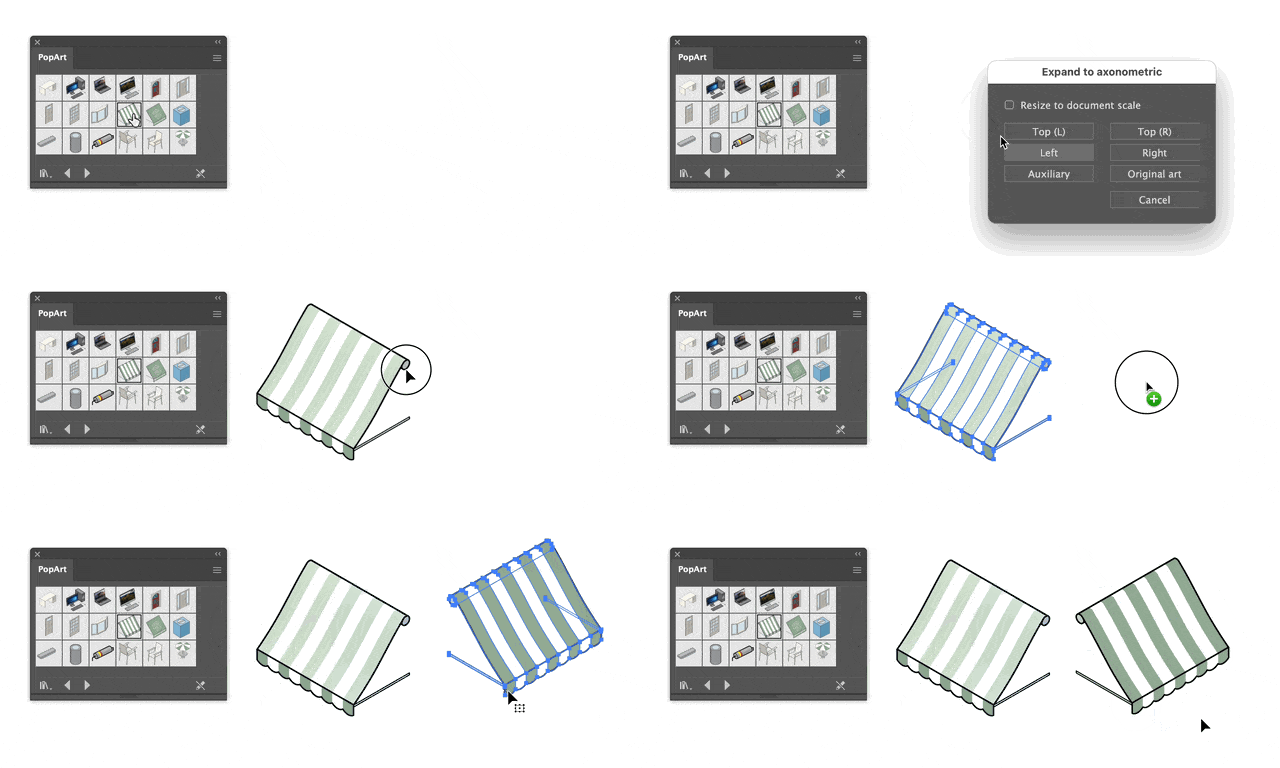
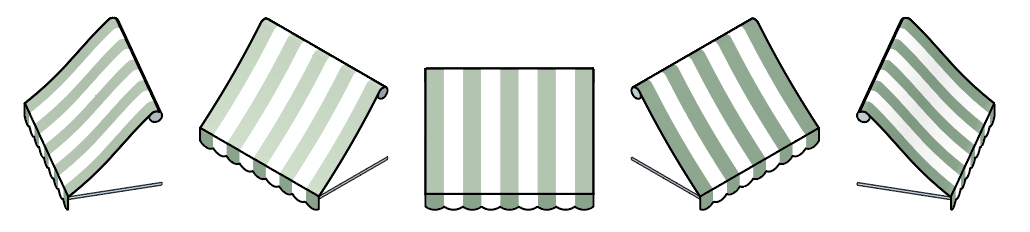
You’re not limited to just isometric, either. PopArt will expand and conform to any face in any document projection you set, including an auxiliary projection.
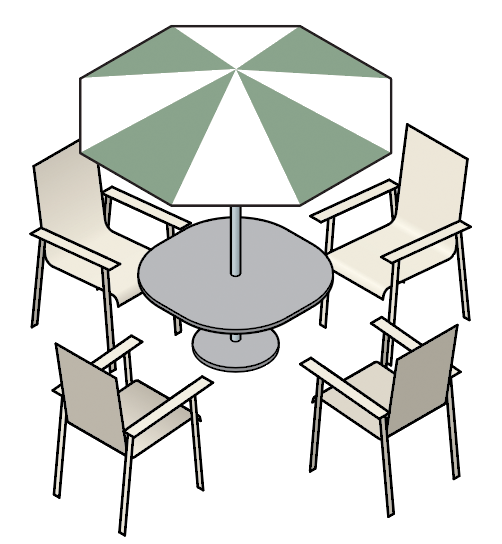
PopArt can contain several layered objects at various angles. In this illustration, only two PopArt chairs created the four seen here, and the table with umbrella is all one symbol.
Please see the AxoTools documentation for more information on creating and using AxoTools PopArt symbols. And please let me know if you create PopArt symbols you’re willing to share with others!

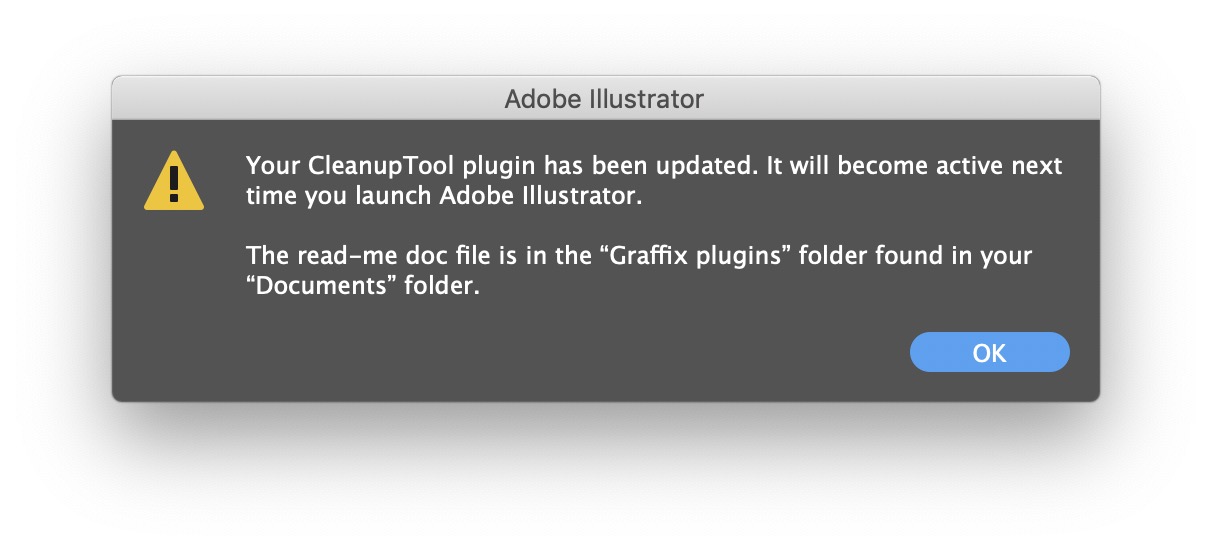 On the other hand, I realize that unzipping the download, then navigating through the file system to place the plugin in Illustrator’s Plug-ins folder is a hassle. Illustrators have too much to do to be saddled with busywork like this!
 When fine-tuning the position of a pattern, I’ve often wondered if it would be faster and easier to just zoom in, click on a point I want aligned with something else, and drag it to the new position. Nudge Panel now includes a tool to let you do just that. And d’ya know what? It really is faster and easier than clicking the nudge buttons on the panel (although you may want to make the final ever-so-small adjustments with the panel). Snapping the tool to a path or point for alignment makes precise adjustments even more quickly.